
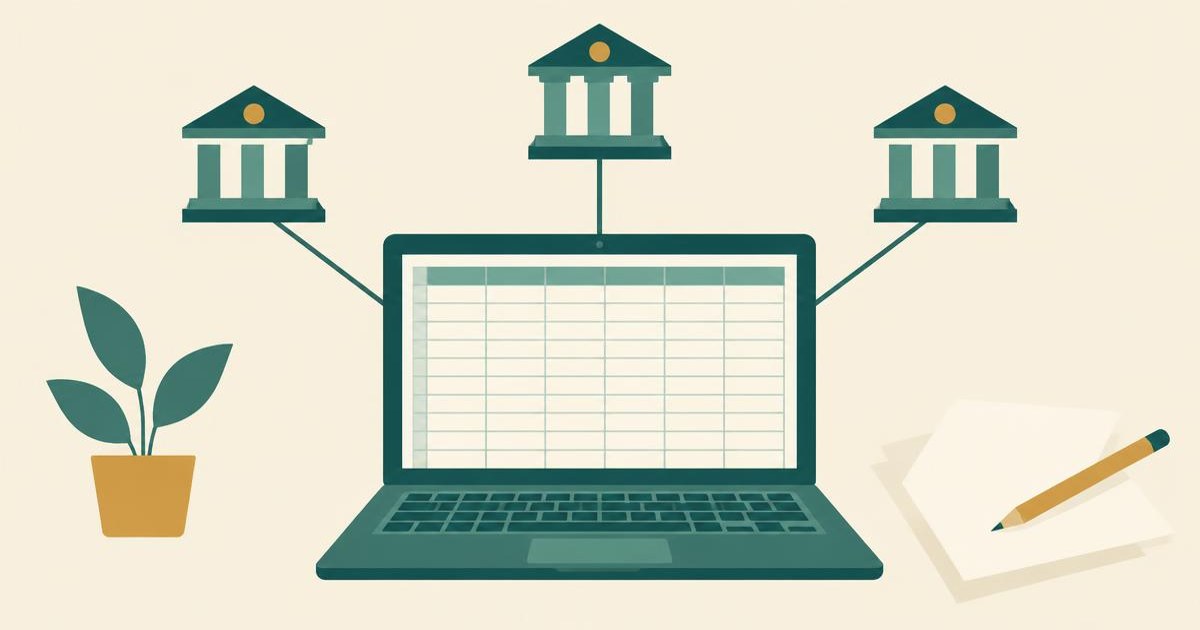
Tiller Money is a good, honest tool for one kind of person: someone who already likes running their money in a spreadsheet. It pulls your bank and card transactions into your own Google Sheets or Microsoft Excel file every day, it costs $99 a year after a 30-day free trial, and it is paid for by subscriptions rather than by selling your data. If you do not want to build and maintain a spreadsheet, it is the wrong tool, however well it is made.
That is the short version of this Tiller Money review. One correction before the details: many reviews, and even Google's AI summary at the time of writing (October 2026), still quote Tiller at $79 a year. Tiller's own pricing page now says $99 a year, and its FAQ works that out to $8.25 a month. Budget for $99.
Want to see where your own money actually goes? Try Spendalyst free for 14 days →
How does Tiller Money work?
Tiller is a data feed, not a budgeting app in the usual sense. You connect your accounts in the Tiller Console, install the Tiller Money Feeds add-on for Google Sheets (or the add-in for Excel), and your daily transactions and balances land in rows and columns of a spreadsheet you own.
What you get from there depends on what you do with the sheet. Tiller supplies a Foundation Template with sheets for expenses, budgets and net worth, a rules-based auto-categorization tool called AutoCat, and dozens of free templates built by its community. You can link up to five spreadsheets at a time and an unlimited number of personal bank accounts, and you can share a sheet with a partner through Google's or Microsoft's normal sharing at no extra cost.
There is also an optional daily email, which Tiller calls "Hello, Money," with your balances and recent charges for the days you do not open the spreadsheet. And Tiller has leaned into AI: its AI page describes a Tiller MCP for Google Sheets and lists ChatGPT, Gemini, Microsoft Copilot and Claude as assistants you can point at your own sheet to ask questions about your spending.
The important word in all of this is you. Tiller fills the spreadsheet. Building the budget, deciding what the numbers mean and keeping the categories clean is your job.
How much is Tiller?
Tiller costs $99 a year after a 30-day free trial, which Tiller's FAQ puts at $8.25 a month. There is no free plan, and the pricing page offers one annual subscription rather than a monthly one. Sales tax is added after the trial if your state requires it.
The trial terms are fair, but read them before you start:
Why do so many pages still say $79? They appear to reflect an earlier price, and several of the reviews quoting it are years old. If an article quotes $79, assume the rest of it may be out of date too.
Does Tiller have an app?
No. Tiller does not currently offer a dedicated smartphone app. Its FAQ says so directly and points to three workarounds: the Google Sheets and Microsoft Excel mobile apps on iPhone and Android, mobile solutions built by members of the Tiller Community, and building your own simple app on top of your spreadsheet with a tool called Glide.
In practice, most people glance at Tiller on a phone through the daily email and do the real work on a computer. A spreadsheet on a phone screen is fine for checking one number and frustrating for anything more. If you manage money mainly from your phone, weigh that before the trial clock starts.
Is Tiller safe?
Yes. Tiller's security setup is solid, and its business model is a genuine privacy advantage. Its security page says Tiller connects to banks through Plaid or Yodlee, never sees or stores your bank credentials (they are encrypted in your browser and passed straight to the aggregator), and receives a read-only token that cannot move money, open accounts or change passwords. Data is encrypted with 256-bit AES in transit and at rest, and Tiller says its own team is blind to customer transactions and balances.
The bigger point is how Tiller makes money. It says it is not venture-funded, shows no ads, and does not sell your data to advertisers or third parties; subscriptions are its only revenue. Its privacy policy says plainly, "We do not sell your personal information to third parties." Tiller also supports open banking with Capital One, Chase, Citi, Bank of America, Wells Fargo and Charles Schwab, so for those banks no password is shared at all. You can ask for your data to be deleted from the Tiller Console, Tiller says deletion requests are confirmed within 24 hours, and your spreadsheets stay yours either way.
Two honest caveats. The privacy policy page is marked "Updated May 2019," so it is old. And you sign in through your Google or Microsoft account, which makes that account the real front door: turn on two-step verification there. For the wider question of what any app can and cannot do once it is linked, see our guide on whether it is safe to link a bank account to a budgeting app.
What does Tiller do well?
A full, honest transaction list also catches things you have stopped noticing. Tiller's own site quotes GeekWire co-founder Todd Bishop finding $564 a year in subscriptions he no longer needed. If that is the main thing you are after, our guide to finding hidden subscriptions gets you there without a spreadsheet.
Where does Tiller fall short?
Who should use Tiller — and who should not?
Tiller is the better choice if you already budget in a spreadsheet and are tired of downloading bank files, if you are coming from Mint or Quicken and want your history in a format no company can shut down, if you want to point an AI assistant at your own data, or if you run a small side business alongside your personal finances. For that person, $99 a year is fair value.
Skip Tiller if you have abandoned a budgeting app before because it took too much upkeep. A spreadsheet is more upkeep, not less. If a do-it-yourself tool still appeals, our Actual Budget vs YNAB comparison covers another hands-on route, and our Mint alternatives roundup lays out the wider field.
Tiller vs Spendalyst: two opposite answers to the same problem
Spendalyst is a money coach for people who hate budgeting apps, so read this section knowing we built it. Tiller and Spendalyst both start from the same place, your real transactions, and then go in opposite directions: Tiller hands you the raw data and the tools to build anything, while Spendalyst tells you what the data says.
| Tiller Money | Spendalyst | |
|---|---|---|
| What it is | A daily bank feed into your own Google Sheets or Excel file | A money coach that runs in your browser |
| Price | $99 a year (about $8.25 a month) | $10.99 a month, or $89.99 a year (about $7.50 a month) |
| Free trial | 30 days; credit card required; charged when the trial ends unless you cancel | 14 days; no credit card; the account pauses at the end until you choose a plan |
| Bank connection | Plaid or Yodlee, read-only; open banking at six large banks | Read-only Plaid (Chase, Wells Fargo and 12,000+ banks), or manual entry and CSV import |
| Who does the analysis | You, in the spreadsheet | A Monday coach card with specific dollar figures from your own spending |
| On your phone | Google Sheets or Excel mobile apps, plus a daily email | Runs in the browser; nothing to download from an app store |
| Getting your data out | It is already your spreadsheet | CSV and JSON export |
| Best for | Spreadsheet people who want full control | People who want the answer without building a system |
The annual prices are close, $99 against $89.99, so cost is not the deciding factor. Temperament is. If you open a spreadsheet for fun, Tiller is the better tool and we would tell you to use it. If you have tried budgeting more than once and stopped each time because it felt like a second job, Spendalyst does the reading for you: every Monday it sends a short coach card with specific dollar figures from your spending, and its spending reports show your trend over time. The 14-day trial needs no credit card, and when it ends the account pauses until you pick a plan rather than charging you.
The bottom line
Tiller Money is worth $99 a year if spreadsheets are where you think clearly. It is private by design, it gives you permanent ownership of your data, and it is flexible enough to track almost anything. It is not worth it if what you actually want is for someone to tell you how you are doing, because Tiller will hand you a beautifully organized spreadsheet and then wait for you to do the rest. Try it for the 30 days, set a reminder before the card is charged, and be honest with yourself about whether you opened the sheet.