
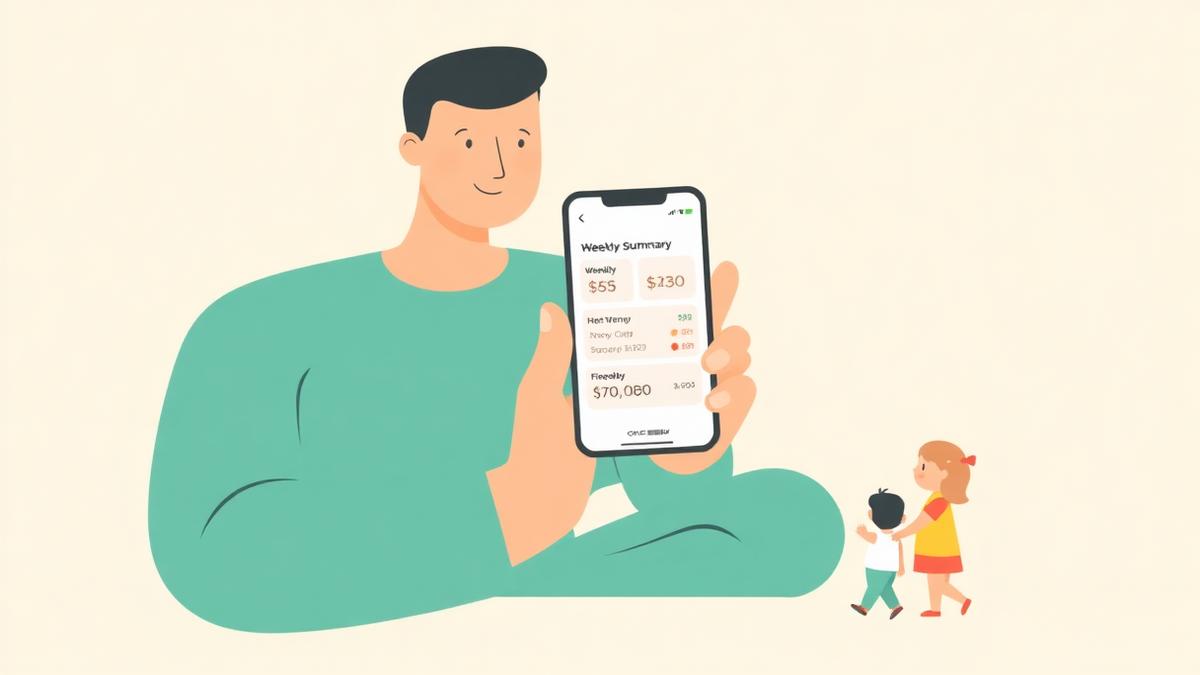
The best budgeting apps for single moms are the ones that track spending automatically and tell you what changed, so you are not doing data entry after bedtime. If you want a free option, Goodbudget's free plan works well for planned, envelope-style spending. If you want automatic tracking, PocketGuard and Rocket Money both pull transactions in for you. And if what you actually need is someone to look at the numbers and tell you what to do next, Spendalyst is built for that — it sends one coach card on eligible Mondays when enough data is available with real dollar figures instead of asking you to build a budget.
That is the short answer. Most budgeting-app roundups are written for people with a spare Sunday afternoon, which is the wrong assumption. When you are the only adult in the house, the app that wins is not the most powerful one — it is the one that still works during a week when everything goes sideways.
Want to see where your own money actually goes? Try Spendalyst free for 14 days →
Quick comparison: budgeting apps for single moms
| App | Free plan? | Paid price | Bank sync | Best for |
|---|---|---|---|---|
| Spendalyst | 14-day trial, no credit card | $10.99/month | Yes (Plaid, 12,000+ banks) | Wanting a weekly read on your money without building a budget |
| Goodbudget | Yes — 10 regular + 10 annual envelopes, 1 account | ~$10/month or ~$80/year | Paid plan only | Envelope planning, cash-based spending |
| PocketGuard | Yes, limited | ~$12.99/month or ~$74.99/year | Yes | Seeing what is safe to spend after bills |
| Rocket Money | Yes | You choose ~$6–12/month | Yes | Finding and cancelling subscriptions |
| EveryDollar | Yes (manual entry) | Premium, roughly $80/year | Paid plan only | Debt payoff with the Ramsey method |
| YNAB | 34-day trial | About $109/year | Yes | Tight-budget planning if you enjoy the system |
Prices checked August 2026. Always confirm current pricing on the provider's site.
What makes a budgeting app work for a single mom?
A budgeting app works for a single mom when it produces useful information without requiring a scheduled sit-down. That is the whole test. Three things matter more than feature lists:
It survives a bad week. Any app works in a calm month. The question is whether it still works the week the car battery dies and someone gets a fever. Apps that need daily input break in exactly the weeks you most need them.
It answers a question you actually have. "Can I afford school shoes this week?" is a real question. "What is your zero-based allocation for the dining-out category?" is not.
It is honest about irregular income. Child support that arrives late, shift hours that vary, a side gig that spikes in December — traditional monthly budgets assume a steady paycheck and quietly fail when yours is not.
If you have already tried a budgeting app and quit, you are not the problem — the format is. We wrote more about that in why I quit budgeting apps, and the same pattern appears in budgeting apps for ADHD: the system was fine, the maintenance was not.
The best budgeting apps for single moms in 2026
1. Spendalyst — for when you want the answer, not the spreadsheet
Spendalyst is a spending tracker with a coach attached. You connect your accounts through Plaid (Chase, Wells Fargo and 12,000+ banks), or use manual entry mode if you would rather not link anything, and then you mostly leave it alone. On eligible Mondays, when enough data is available, you get a coach card with specific dollar figures — what you spent, what moved, what is worth a look. There is also recurring-charge and price-rise detection, spending reports with a 6-month trend, and CSV export if you ever want your data elsewhere.
Pros: No budget to build or maintain. Weekly summary lands on its own. 14-day free trial with no credit card. Works as a web app and installs to your phone home screen.
Cons: It is a paid product at $10.99/month with no permanent free tier. It will not negotiate your bills or replace a debt-payoff plan. It is a young product, so it has fewer features than the ten-year-old incumbents.
Honest take: If your problem is "I have no idea where the money went and no time to find out," this is the closest fit on this list. If your problem is "I need every dollar assigned before the month starts," pick YNAB or EveryDollar instead.
2. Goodbudget — the best genuinely free option
Goodbudget is a digital version of the cash-envelope system. You decide in advance how much goes to groceries, gas and everything else, then spend from those envelopes. The free plan is genuinely usable long-term: 10 regular envelopes, 10 annual/goal envelopes, one account and two devices.
Pros: Free forever tier that does not expire. Excellent for planning ahead rather than reviewing after the fact. Works without connecting a bank account, which some people strongly prefer.
Cons: The free plan requires manual entry of every transaction — that is the part most people abandon. Bank sync is paid only. One-account limit is tight if you run a checking account and a credit card.
Honest take: Best free choice if you genuinely enjoy planning. If manual entry is why your last app died, this will die the same way.
3. PocketGuard — for "what can I actually spend right now?"
PocketGuard's signature feature is "In My Pocket": it takes your income, subtracts bills, savings and necessities, and shows what is left. For a single-income household where the margin is thin, that one number is often the only thing you need.
Pros: Automatic tracking. The leftover number is genuinely useful and hard to find elsewhere. Includes a debt payoff planner.
Cons: The free version is restrictive enough that most people end up paying. Only a 7-day trial on the paid tier. No budget rollover for sinking funds, which hurts if you save toward irregular costs like back-to-school.
Honest take: Strong pick if bills-versus-spendable is your core question and you are willing to pay for it.
4. Rocket Money — for finding money you did not know you were losing
Rocket Money is less a budgeting app than a leak-detector. It scans your accounts for recurring charges and surfaces subscriptions you forgot about. Its pricing is unusual: you pick what you pay within a range.
Pros: Free tier is useful on its own. Genuinely good at surfacing forgotten recurring charges. Bill negotiation is available, for a cut of the savings.
Cons: Budgeting features are shallower than the alternatives. The cancellation and negotiation features are where it earns money, so expect nudges toward them.
Honest take: Worth running once even if you do not keep it. Our guide to finding hidden subscriptions covers doing this manually, and the subscription cost calculator gives you the annual total in about a minute.
5. EveryDollar — for the Ramsey debt-payoff method
EveryDollar is Dave Ramsey's zero-based budgeting app: every dollar of income gets a job before the month begins. The free version is manual; Premium adds bank connections.
Pros: Clear, opinionated method with a large community around it. The free manual version is fully functional if you are willing to type.
Cons: Premium is priced at roughly $80/year, and the free tier's manual entry is a real commitment. Zero-based budgeting assumes predictable income, which is a poor fit for variable hours or late child support.
Honest take: Excellent if you are actively following the Ramsey baby steps. Frustrating if your income moves around. We looked at it closely in is EveryDollar worth it.
6. YNAB — powerful, but it asks a lot
YNAB (You Need A Budget) has the most devoted following of any app here, and for good reason: people who stick with it often report real change. The method requires you to assign every dollar and reconcile regularly.
Pros: The best tool here for making a genuinely tight budget work. Handles irregular income well once you learn the "age your money" approach.
Cons: About $109/year, and the learning curve is steep. It requires ongoing engagement — that is the design, not a flaw.
Honest take: If you have the bandwidth, YNAB is superb. If you have already bounced off it, read YNAB too complicated before trying again — the issue is usually fit, not effort.
How do you budget as a single mom when money is tight?
Start by tracking for two weeks before you budget at all. Most budgeting attempts fail because they begin with a plan built on guesses, and the plan collapses the first time reality disagrees with it. Two weeks of actual spending data gives you numbers to plan against instead of hopes.
From there, a simple approach that survives real life:
List the non-negotiables. Rent or mortgage, utilities, childcare, transport, minimum debt payments, groceries. This is your floor.
Subtract the floor from your lowest likely income month, not your best one. Treat anything above that low number as a buffer.
Give yourself one flexible category instead of eight precise ones. "Everything else: $340" is a budget you can follow while standing in a checkout line.
Check once a week, not once a day. Daily checking creates anxiety without improving decisions. A weekly review catches a problem while it is still small.
Automate the review if you can. This is what apps like Spendalyst are for — the Monday coach card does step four whether or not you remembered.
Which budgeting app is free for single moms?
Goodbudget and Rocket Money have the most useful permanently free tiers, and EveryDollar's free version is fully functional if you are willing to enter transactions by hand. The trade-off is consistent across all of them: free plans either require manual entry or cap the number of accounts and categories you can track. Paid tiers exist to cover the cost of bank connections, which are not free for the app to provide.
That trade-off is worth naming plainly. A free app you stop using in three weeks costs more than a paid app you keep, because the real cost is the money you leak while not paying attention.
Is a paid budgeting app worth it on one income?
A paid budgeting app is worth it if it changes at least one spending decision per month by more than it costs. At $10.99/month, Spendalyst needs to catch roughly one forgotten $12 subscription to break even. Most people who run a full subscription audit find several.
That said, it is a real cost on a single income. Use a free trial properly rather than subscribing on faith: connect your accounts, let it run two weeks, and see whether the weekly summary tells you something you did not already know. If it does not, cancel. Spendalyst's 14-day trial does not ask for a credit card, so there is nothing to forget to cancel.
Frequently asked questions
What is the best budgeting app for a single mom? There is no single answer, but the pattern is clear: pick automatic tracking over manual entry. Goodbudget is the strongest free option, PocketGuard is best for seeing what is safe to spend, and Spendalyst is best if you want a weekly read on your money without building or maintaining a budget.
Is there a completely free budgeting app for single moms? Yes. Goodbudget's free plan (10 regular envelopes, 10 annual envelopes, one account) never expires, Rocket Money has a free tier, and EveryDollar's free version works if you enter transactions manually. All free plans trade away automatic bank syncing or account limits.
How much should a single mom budget for groceries? There is no universal number — it depends on household size, location and dietary needs. Track your own grocery spending for one month and use that figure as your starting point. Your actual past spending is a far better baseline than a national average.
Do budgeting apps work if my income is different every month? Some do. Apps that require you to assign every dollar before the month starts, like EveryDollar, struggle with variable income. Apps that track what actually happened and report back — PocketGuard, Rocket Money, Spendalyst — hold up better because they do not depend on a forecast being right.
Is it safe to connect my bank account to a budgeting app? Reputable apps use Plaid, a bank-connection service that shares read-only transaction data and does not give the app your banking password or the ability to move money. Spendalyst connects through Plaid and also offers a manual entry mode if you would rather not link accounts at all.
Ready to stop guessing where the money went? Spendalyst gives you a weekly coach card with real dollar figures — no budget to build, no daily check-ins. Start a 14-day free trial — no credit card required.