
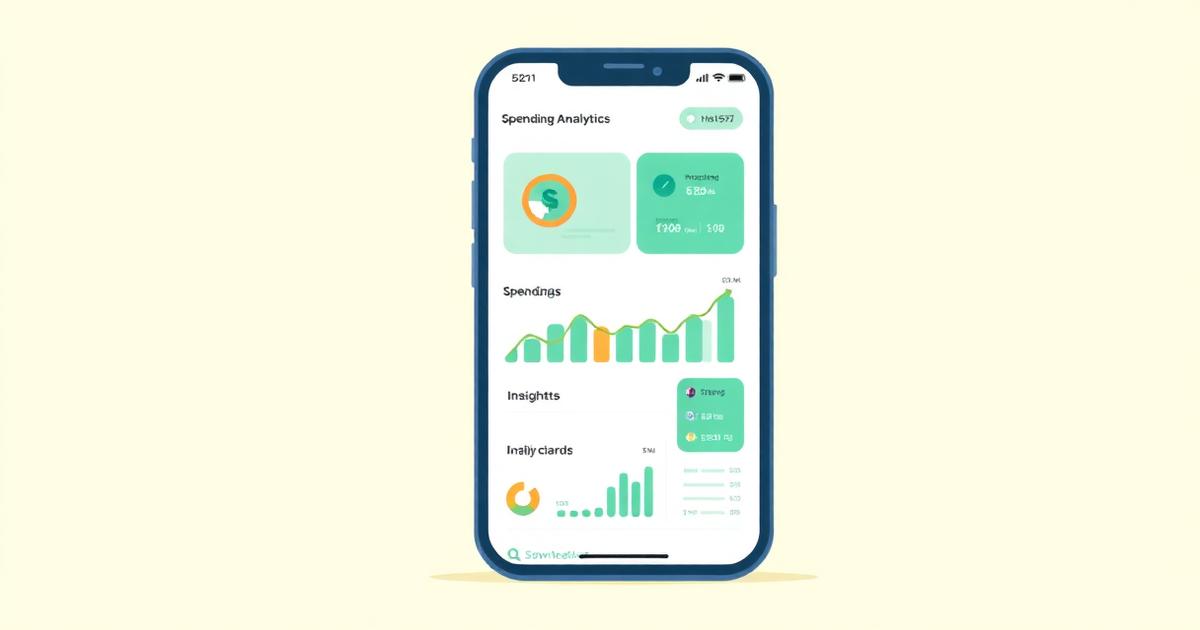
Illustration of a smartphone displaying teal spending charts and insight cards on a pale cream background.
Product Updates

How Spendalyst Spots the Charges You'd Never Notice

By the founder of Spendalyst

Published: May 21, 2026 · Last updated: May 21, 2026

What Spendalyst actually looks for in your transactions, what it needs before it says anything, and what it will never do with your account.

May 21, 20265 min readSpendalyst Team

Beyond Basic Budgeting

Traditional budgeting apps show you pie charts of where your money went. Knowing you spent $400 on dining out last month doesn't tell you what changed, or whether anything needs your attention.

Spendalyst takes a different approach: it watches your own history and tells you when something in it changes.

Want to see where your own money actually goes? Try Spendalyst free for 14 days →

What It Reads

When you connect a bank through Plaid, Spendalyst gets read-only access to up to 24 months of transactions. It never sees your bank login, and it cannot move money.

It reads those transactions the same way every time, with fixed rules rather than guesses. If the history is too thin to support a finding, it says nothing.

What It Looks For

  • Recurring charges. The same merchant charging you on a regular cycle: monthly, every three months, or once a year. A yearly charge needs to appear twice before it counts.
  • Price changes. A recurring charge that moved to a new amount and stayed there. The old price has to have been charged more than once and the new one has to repeat, so a one-off odd amount is not reported as a price rise.
  • Upcoming renewals. A heads-up before a yearly charge is due again, so you have time to decide whether you still want it.
  • Duplicate charges and trials that turned paid. The same amount from the same merchant twice in a short window, or a tiny trial charge followed by a full price.
  • Spending changes. A category running well above or below its own usual level, compared only with your own recent weeks, never with other people.
  • What You Get

    One card each Monday with what changed that week, using the merchant, the dates and the amounts from your own transactions. For example: "Your streaming service went from $15.99 to $17.99 a month. That is about $24 more a year."

    When nothing changed, the card says so. There are no streaks, no daily nudges and no scores.

    Privacy

  • Bank access is read-only, through Plaid
  • Data is encrypted in transit and at rest
  • You can disconnect a bank or delete your data at any time
  • Try It on Your Own History

    The 14-day trial needs no credit card. Connect a bank and see what it finds in your own transactions. If you'd rather not connect anything yet, the free Recurring Charge Finder runs on a bank CSV in your browser, and nothing is uploaded.

    Wondering how this compares with Cleo, Monarch or Copilot? Here's our honest comparison of AI budgeting apps.

    Start your 14-day free trial →

    AI
    spending insights
    budgeting
    Spendalyst features
    Share:

    Put These Tips Into Action

    Spendalyst watches your connected transaction history for recurring charges, price changes, renewals and spending changes, and only reports what it finds.

    Start Your Free Trial

    14-day free trial • No credit card required